Skip to content
For museums & heritage

Every object has a story. Help visitors discover it.

Visitors scan the code next to an object and open an explanation, audio story or 3D view on their own phone — no app to install.

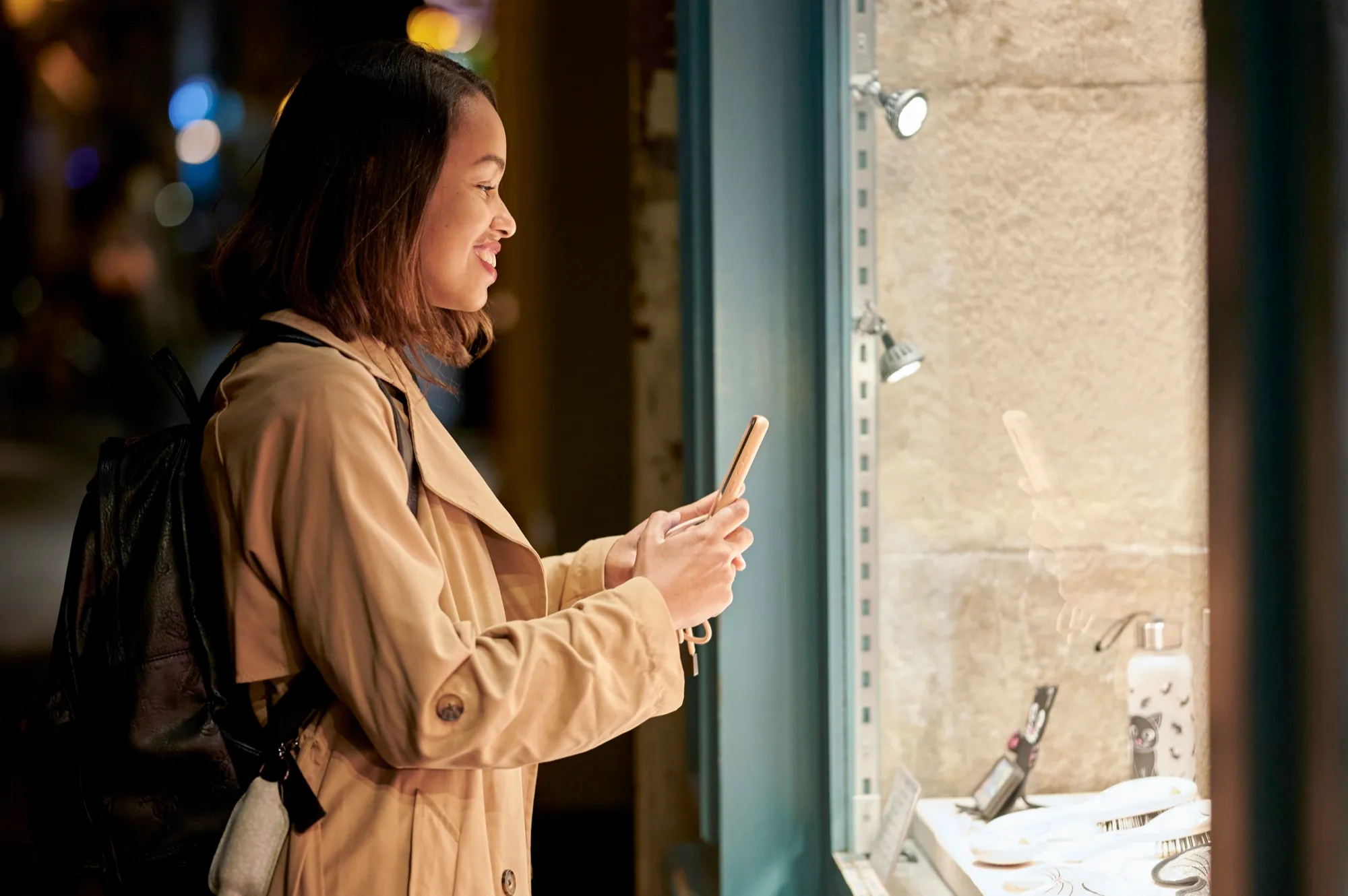
A visitor opens the story of an object next to a display case on her phone
Illustrated scenario
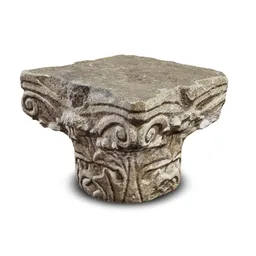
Object 07Capital

A capital is the top of a column: it carries a beam or an arch, and its decoration reveals the style and age of the building.

HRENDEIT
Audio story
1:123:05
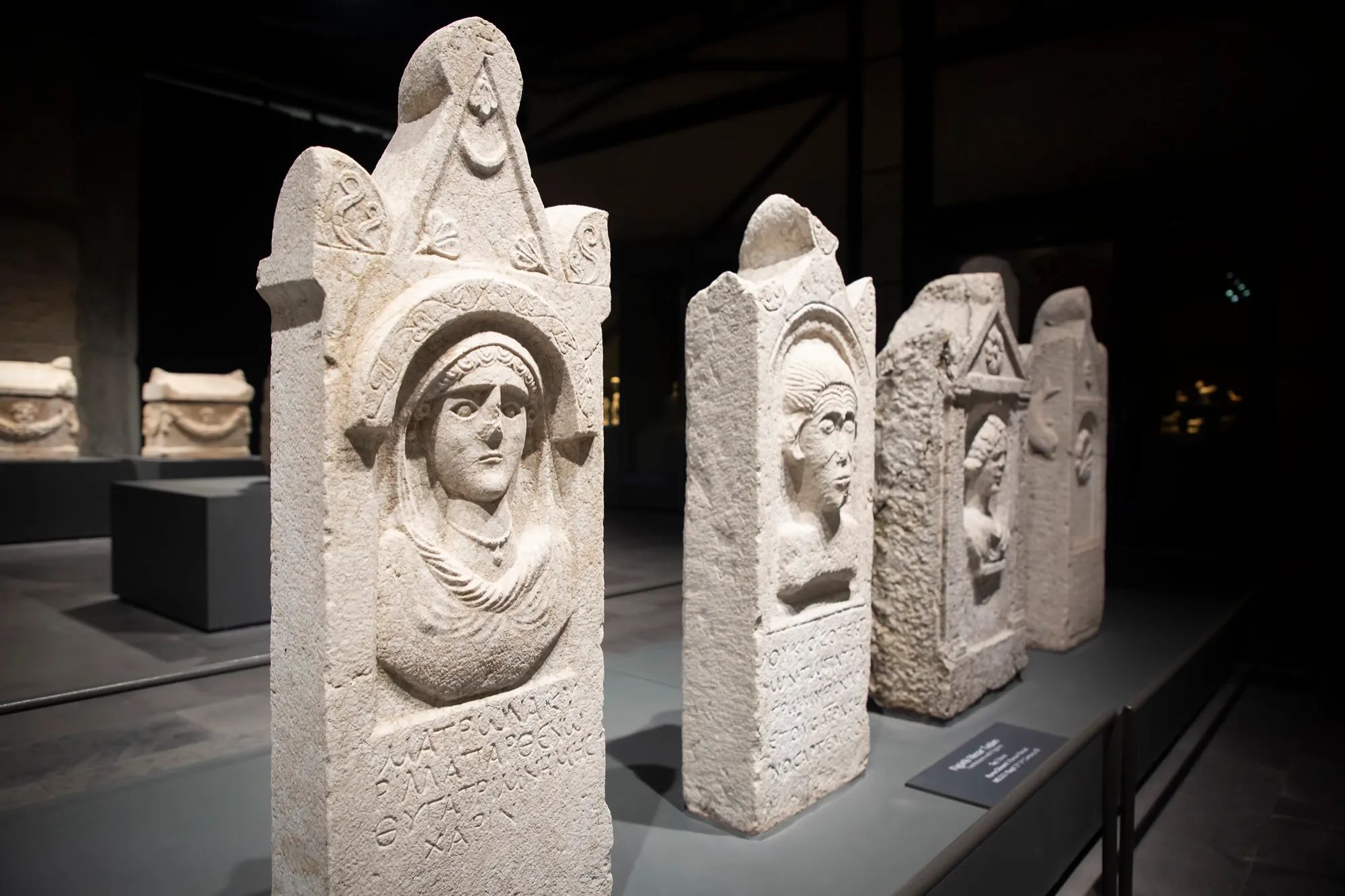
Ancient stelae in a museum exhibition
Scan for the storyHR · EN · DE · IT
The story behind the object

Behind every object there is more than fits on a museum label.

The label gives the key facts, and the visitor's phone can carry the story further: who made the object, how it was used and why it matters.

  • The story, details and context of each object, whenever the visitor wants them.
  • In the visitor's language and at their own pace — by reading or listening.
  • Material from catalogues, storerooms and curators' research becomes part of the visit.
How it works

Three steps, on the visitor's phone.

  1. Camera
    Object 12Scan for the story
    SarcophagusOpen the object’s story
    Illustration
    01

    Scan the code

    Next to the object there is a QR code or a visual marker. The phone camera recognises it and opens the object's page in the browser.

  2. 12 / 40EN
    Object 12Sarcophagus
    StoryDetails3D
    0:58

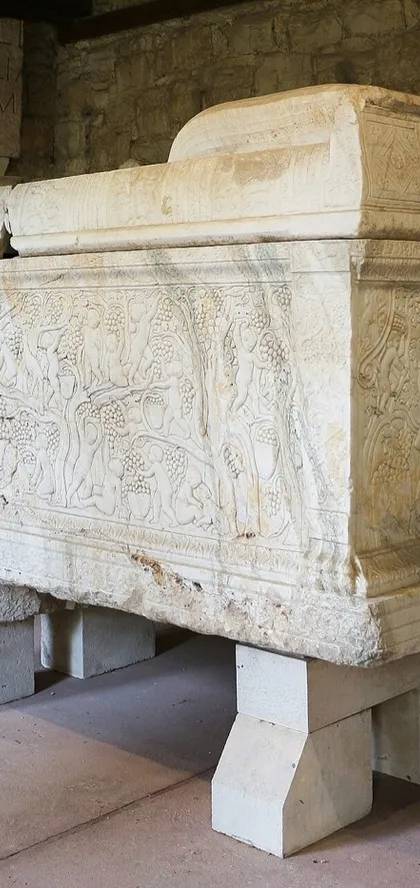
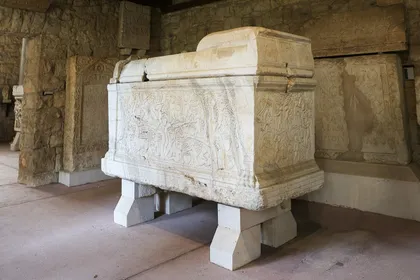
    Vines and grapes cover the whole front. What did these motifs mean to the people who commissioned it?

    Take a closer look
    1Grapevine2Figures3Side
    Illustration
    02

    Read and view the story

    An explanation, photos and details a display case cannot show — in the language the visitor chooses.

  3. 3D · rotate with your finger
    Audio story · EN
    1:543:05
    Illustration
    03

    Listen and explore

    An audio story, a 3D view of the object from every side or a reconstruction — whenever and for as long as the visitor wants.

Illustration
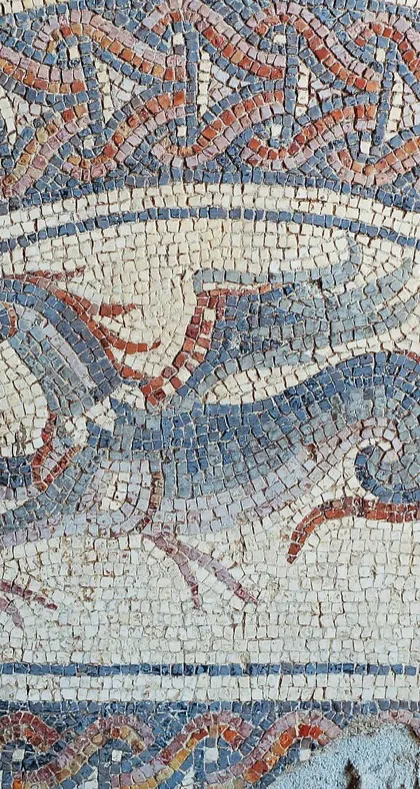
Hunt · 3 of 5Find the seahorse in the mosaic!
+20 points
HintFound it!
Digital guide

One guide. Modules you choose.

The digital guide ties the whole visitor experience together. Include only what your museum needs — and most modules can also be ordered on their own.

Object storiesExplanations, photos and details for every marked object.
Audio storiesProfessional narration in Croatian, plus translations and voices in other languages.
3D viewsAn object visitors turn with a finger and view from every side.
ARAn object or character placed in the space in front of the visitor, through the phone camera.
ReconstructionsHow a space or site looked and changed across historical periods.
Games and quizzesPuzzles, detail hunts and quizzes — see the examples below.
Games and interactive content

Through play, visitors look more closely.

Short tasks draw the eye to an object's details and lead visitors back to the story. We always tailor the scenario to your exhibition — these are examples of how it can look.

Games can be included in a digital guide or ordered as standalone content.

Example game · try it

The mosaic has broken into nine pieces. Tap two pieces to swap them.

Piece the object together

The visitor
Reassembles a broken mosaic piece by piece, and once it is complete, a story about what it depicts opens.
Purpose
The visitor lingers over the object's details and gets the story as a reward.
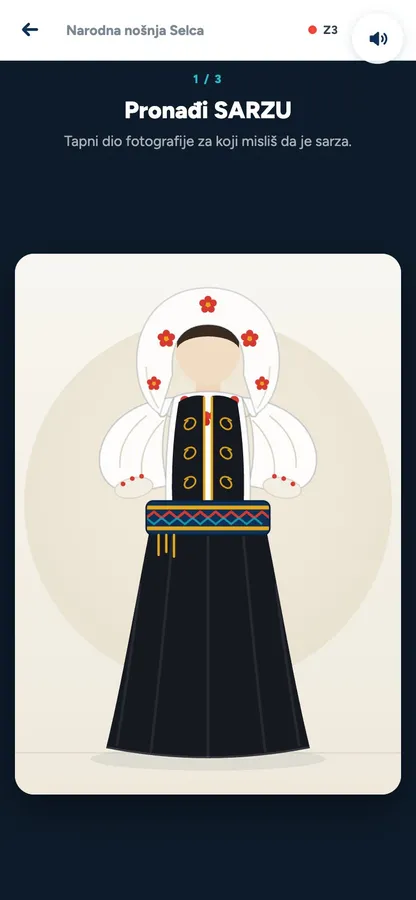
Example game
Example game: Detail hunt

Detail hunt

The visitor
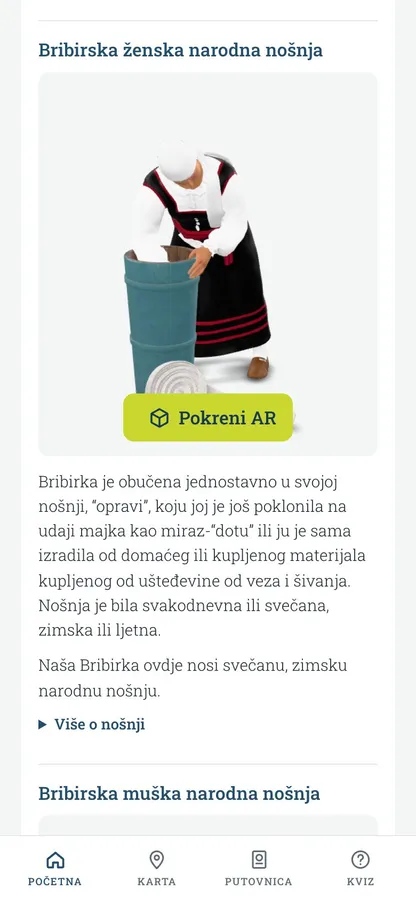
Finds a given part in a photo of an exhibit — in this example, parts of a women's folk costume — and learns what it is called and what it was used for.
Purpose
Draws attention to motifs and parts the visitor might otherwise miss.
Duration: about 1 min
Example game · try it

Tap an object, then what it was used for.

Match the pairs

The visitor
Matches each object with its purpose and gets a short explanation for every correct pair.
Purpose
The object gains meaning: the visitor understands what it was used for, not just what it is called.
Example game · try it
Story · Sundial

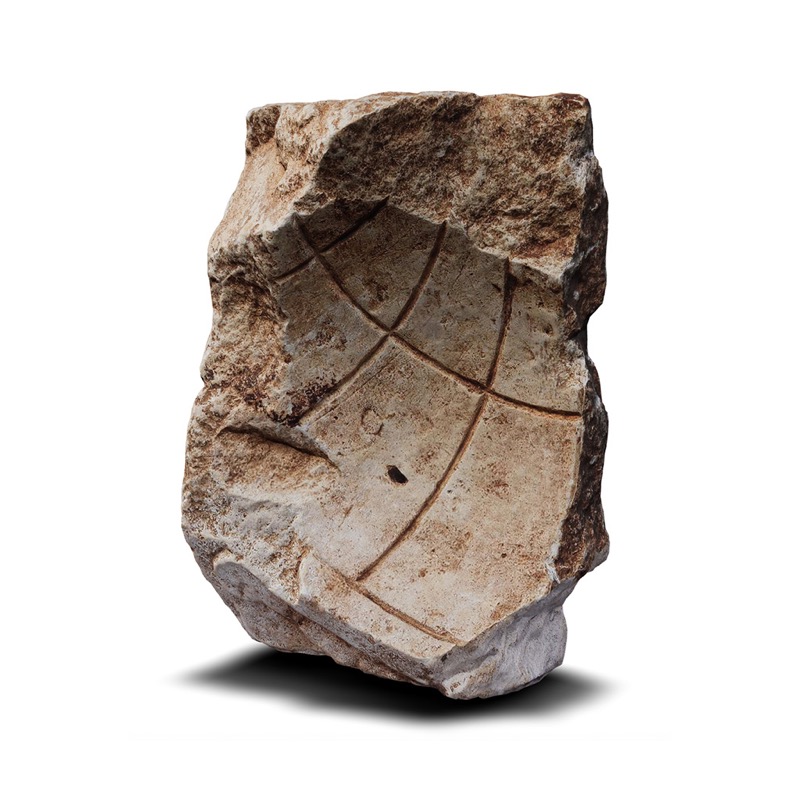
A sundial tells the time by its shadow. The pointer — the gnomon — casts a shadow onto a dial marked with the hours, and as the Sun travels across the sky during the day, the shadow moves from mark to mark.

Short quiz after the story

The visitor
After the story, answers three questions and gets an explanation with each answer.
Purpose
The visitor checks what they remember, and the explanations repeat the key points.

For larger exhibitions we also suggest an escape experience through the collection: visitors find three exhibits, read their details and put together a final code.

The example games are demonstrations without any real client’s content.All example games →

Example game
WebAR and reconstructions

When a story needs more than text.

Each of these can be part of a digital guide or ordered on its own.

Video · WebAR demo for tourism
From the project · Bribir folk costume in AR
01

WebAR characters and objects

The visitor
Through the phone camera, visitors see a historical character or object placed in the space in front of them, at life size and from every side.
You get
An object that is not on display, or a character who tells the story of the exhibition — without any new exhibition space.
Try it: place a 3D model in your space →

Bring history to life and create an unforgettable experience with an augmented reality web app.

Video · Salona, reconstruction of the amphitheatre
02

Historical reconstructions

The visitor
From the spot where they stand, visitors see how the building looked, look in every direction and open info points with explanations.
You get
A site that can be understood without large panels, with texts by your experts. We can also show how locations changed across historical periods — the scope depends on the available material.
Salona project →
Try 3D and AR

3D models from our projects.

Turn the model with your finger or mouse, and on your phone you can place it in the space in front of you (AR).

Sundial, Vodnjan

3D view is not available on this device — showing a photo of the model.

Sundial, Vodnjan · 3D model: Art Division

How we build your guide

You bring the story. We turn it into an experience.

The museum provides

  • An idea or a challenge — no fully developed project needed
  • Available material: texts, photos, catalogues
  • Confirmation of facts and final texts

Art Division delivers

  • Concept, scope and budget — together with you
  • Stories, scripts and digital production
  • Translations, narration and language coordination
  • Turnkey hosting and maintenance

If there is not enough material, we research the available sources and bring in historians or other experts together with you.

Languages and narration

We prepare the original content in Croatian. For Croatian narration we work with professional narrators, or with a narrator you suggest. Translations are prepared with the help of AI and sent to you for review and approval; audio in other languages is primarily an AI voice, with a human narrator available on request.

What affects the price?

Every guide is tailored to the museum, so we quote the price in our proposal. The main factors are:

  • the number of objects and locations
  • the number of languages
  • the type of content — text, audio, 3D, AR, reconstructions, games
  • narration — a professional narrator or an AI voice
  • hosting and maintenance

You can start with a smaller number of objects and core content, then expand every year according to your needs, budget and funding calls.

Frequently asked questions

Do visitors need to install an app?

No. The guide opens in the phone's browser after scanning the code — no app store and no sign-in.

Is an internet connection needed?

To open it the first time, yes. For spaces with a weak signal, content can be prepared so that it downloads while a connection is available and then works without one; we agree the scope for each project.

Who updates the content?

We deliver the guide turnkey: hosting, backups, maintenance and minor text changes are handled by us, as agreed, for an annual fee set out in our proposal. New objects and larger new content are agreed separately.

Can we order just a game, 3D or AR?

Yes. The digital guide ties the whole experience together, but games, 3D models, AR and reconstructions can also be ordered as standalone content.

How much does a digital guide cost?

It depends on the number of objects and languages, the type of content and the narration. We quote the price in our proposal after a short conversation about your exhibition.

Let us show you what your guide could look like.

Tell us which exhibition or objects you would like to bring to life. We'll suggest a solution and the scope of a first phase.